





Master document formatting for professional presentations.
Job-Ready MS-Word Course Built to Boost Your IT Career
The MS-Word course provides a detailed exploration of Microsoft Word's capabilities, focusing on creating, editing, and formatting documents. Participants will gain proficiency in using various tools and features to craft professional documents, including text formatting, page layout, and advanced features such as styles and templates.
Our corporate training Clients
Key Features
Learn to create and style tables for organized content.
Develop skills to use templates for efficient document creation.
Understand advanced features like mail merge and macros.
Gain expertise in inserting and editing images and graphics.
Improve document collaboration with track changes and comments.
Syllabus for MS-Word
Learn practical skills from industry experts to become job-ready in IT
- Getting Started with word - Navigation in Microsoft word
- Getting Started with word - Create and Save word documents
- Getting Started with word - Manage your workspace
- Getting Started with word - Edit Documents
- Getting Started with word - Preview and Print Documents
- Getting Started with word - Customize the word Enviornment lesson
- Formatting Text and paragraphs - Apply Character Formatting
- Formatting Text and paragraphs - Control Paraghraph Layout
- Formatting Text and paragraphs - Align Text using Tabs
- Formatting Text and paragraphs - Display Text in Buuleted or Numbered Lists
- Formatting Text and paragraphs - Apply Borders and Shading Lesson
- Working More Efficiently - Make Repetitive Edits
- Working More Efficiently - Apply Repetitive Formating
- Working More Efficiently - Use Styles to Streamline Repetitive Formatting Tasks
- Managing Lists - Sort a List
- Managing Lists - Format a List
- Adding Tables - Insert a Table
- Adding Tables - Modify a Table
- Adding Tables - Format a Tables
- Adding Tables - Convert Text to a Table
- Inserting Graphic objects - Insert Symbols and Special Characters
- Inserting Graphic objects - Add Images to a Documents
- Controlling Page Appearance - Apply a Page Border and Color
- Controlling Page Appearance - Add Headers and footers
- Controlling Page Appearance - Control Page Layout
- Controlling Page Appearance - Add a WaterMark
- Preparing to Publish a Document - Check Spelling, Grammer, and Readability
- Preparing to Publish a Document - Use Research Tools
- Preparing to Publish a Document - Check Accessibility
- Preparing to Publish a Document - Save a Document to Other Formats
- Getting Started with word - Navigation in Microsoft word
- Getting Started with word - Create and Save word documents
- Getting Started with word - Manage your workspace
- Getting Started with word - Edit Documents
- Getting Started with word - Preview and Print Documents
- Getting Started with word - Customize the word Enviornment lesson
- Formatting Text and paragraphs - Apply Character Formatting
- Formatting Text and paragraphs - Control Paraghraph Layout
- Formatting Text and paragraphs - Align Text using Tabs
- Formatting Text and paragraphs - Display Text in Buuleted or Numbered Lists
- Formatting Text and paragraphs - Apply Borders and Shading Lesson
- Working More Efficiently - Make Repetitive Edits
- Working More Efficiently - Apply Repetitive Formating
- Working More Efficiently - Use Styles to Streamline Repetitive Formatting Tasks
- Managing Lists - Sort a List
- Managing Lists - Format a List
- Adding Tables - Insert a Table
- Adding Tables - Modify a Table
- Adding Tables - Format a Tables
- Adding Tables - Convert Text to a Table
- Inserting Graphic objects - Insert Symbols and Special Characters
- Inserting Graphic objects - Add Images to a Documents
- Controlling Page Appearance - Apply a Page Border and Color
- Controlling Page Appearance - Add Headers and footers
- Controlling Page Appearance - Control Page Layout
- Controlling Page Appearance - Add a WaterMark
- Preparing to Publish a Document - Check Spelling, Grammer, and Readability
- Preparing to Publish a Document - Use Research Tools
- Preparing to Publish a Document - Check Accessibility
- Preparing to Publish a Document - Save a Document to Other Formats
Why Choose SPRK Technologies?
We don't just teach technology—we prepare you for a successful IT career with real-world experience.
4000+
Successful Students
95%
Placement Rate
50+
Hiring Partners
4.8/5
Student Rating
Industry-Curated Syllabus
Designed for real-world projects with input from industry experts and working professionals.
Expert Mentorship
Learn from working professionals with hands-on mentorship and live coding sessions.
Project-Based Learning
Build real-world applications and gain practical experience with industry-standard tools.
Dedicated Support
24/7 technical support and dedicated career counselor to guide your learning journey.
Recognized Certification
Certificate recognized by top IT companies, validating your skills and expertise.
100% Placement Support
Guaranteed placement assistance with interview preparation and direct job opportunities.
Trusted by 4000+ Students
Join a community of successful alumni placed in leading IT companies across India.
Interactive Learning
Small batch sizes, recorded sessions, and interactive workshops for optimal learning.
Join 4000+ successful students and start your IT career today!
Ready to Transform Your Career?
Join thousands of successful developers and start your journey to becoming a Full Stack Java Developer today!
4.9/5 Rating
Lifetime Access
Job Assistance
Exclusive Benefits
Beyond Technical Training
We provide comprehensive support to ensure your success in the tech industry
1:1 Mentorship
Get personalized guidance from industry professionals throughout your learning journey.
Communication Skills
Free training to enhance your soft skills and professional communication.
Mock Assessments
Regular assessments and hands-on projects to test your knowledge.
Career Enhancement
Profile building and resume optimization for better job opportunities.
Mock Interviews
Simulated interview sessions to prepare you for real-world scenarios.
Career Counseling
Expert guidance to help you make informed career decisions.
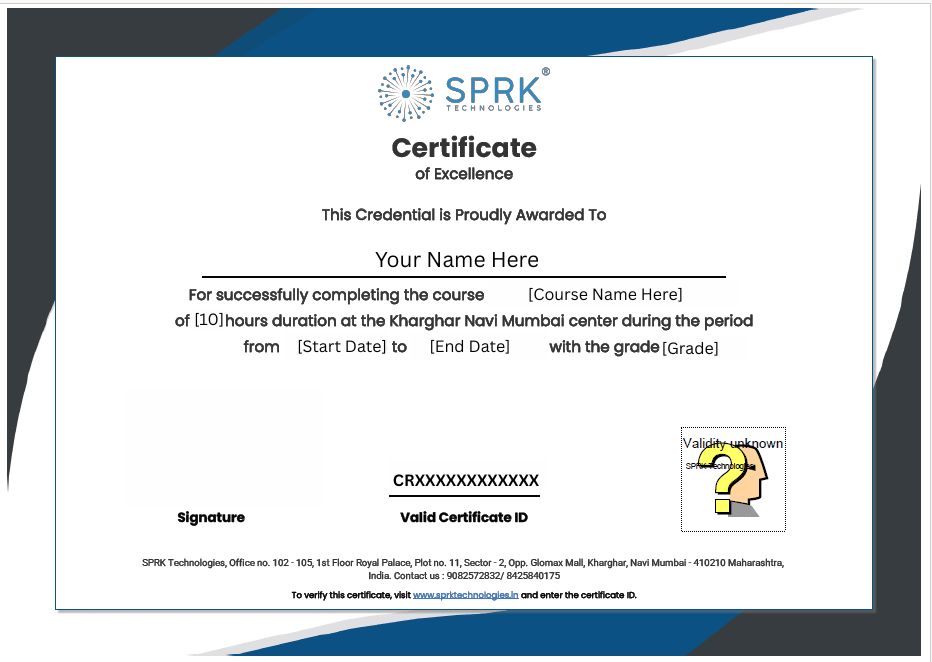
Verifiable Certificate Upon Completion
Earn an industry-recognized certificate that validates your expertise and helps you stand out to employers.
Industry Recognized
Certificate valued by top IT companies
Verified Credentials
Blockchain verified authenticity
Career Boost
Stand out in job applications
Lifetime Validity
Never expires, always relevant